


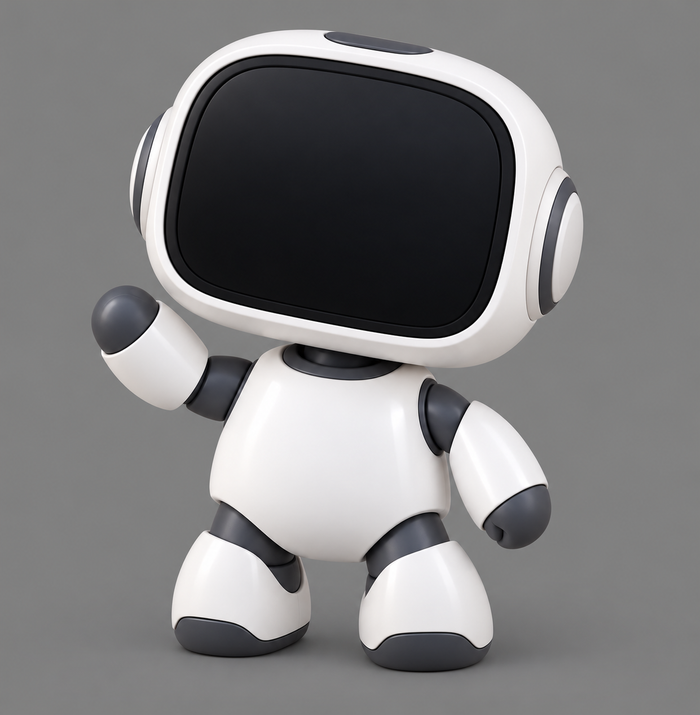
Agent Meter
A little desk companion that shows what your AI coding assistant is up to.
From $59.00View product →

JIG_
Real electronics you build by following the pictures.
Batch 1 · Ships by October 20
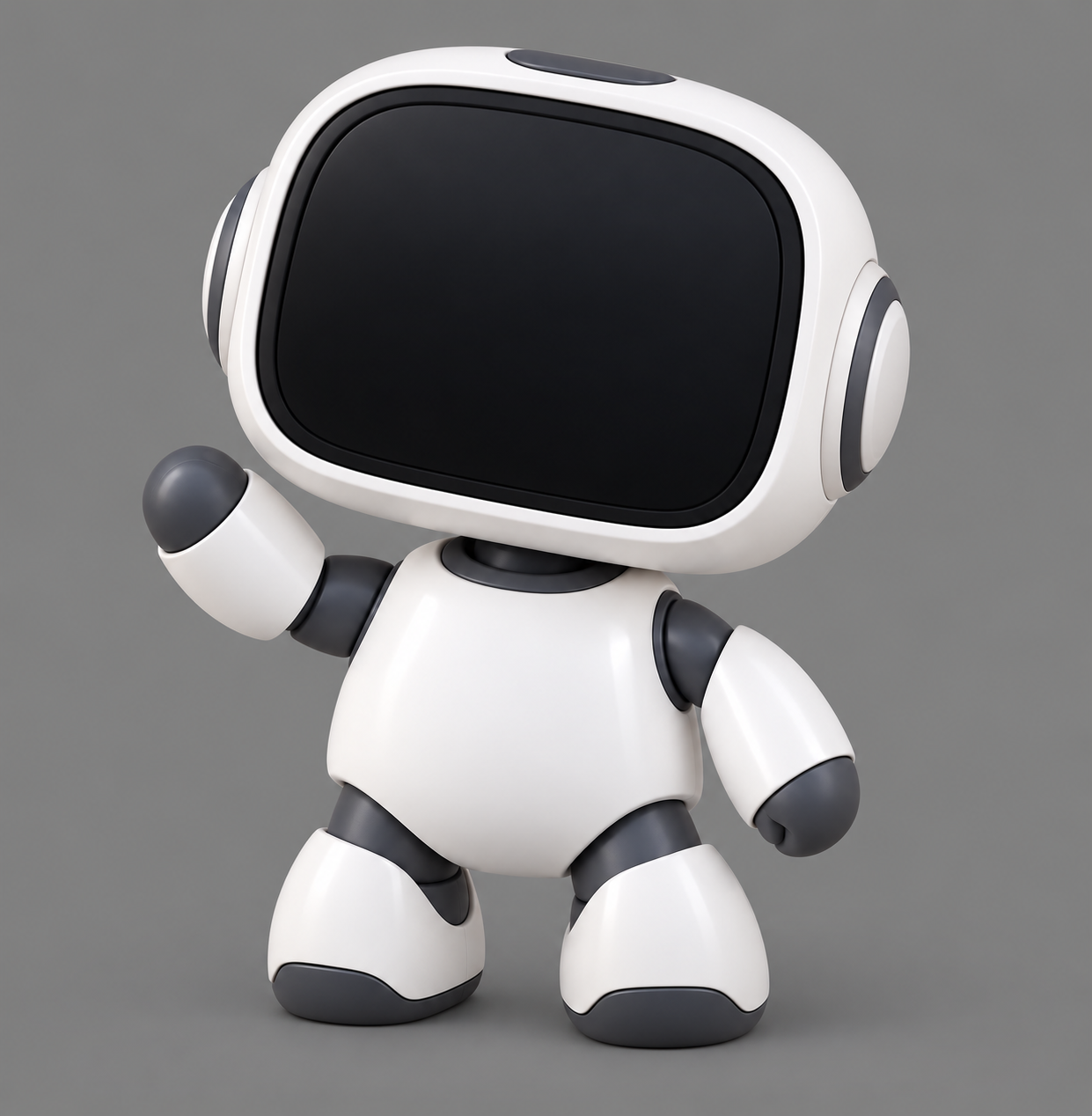
Agent Meter, taken apart
The body, arms, legs, head and ear caps come printed and ready. Follow the pictures and they come together into Agent Meter.
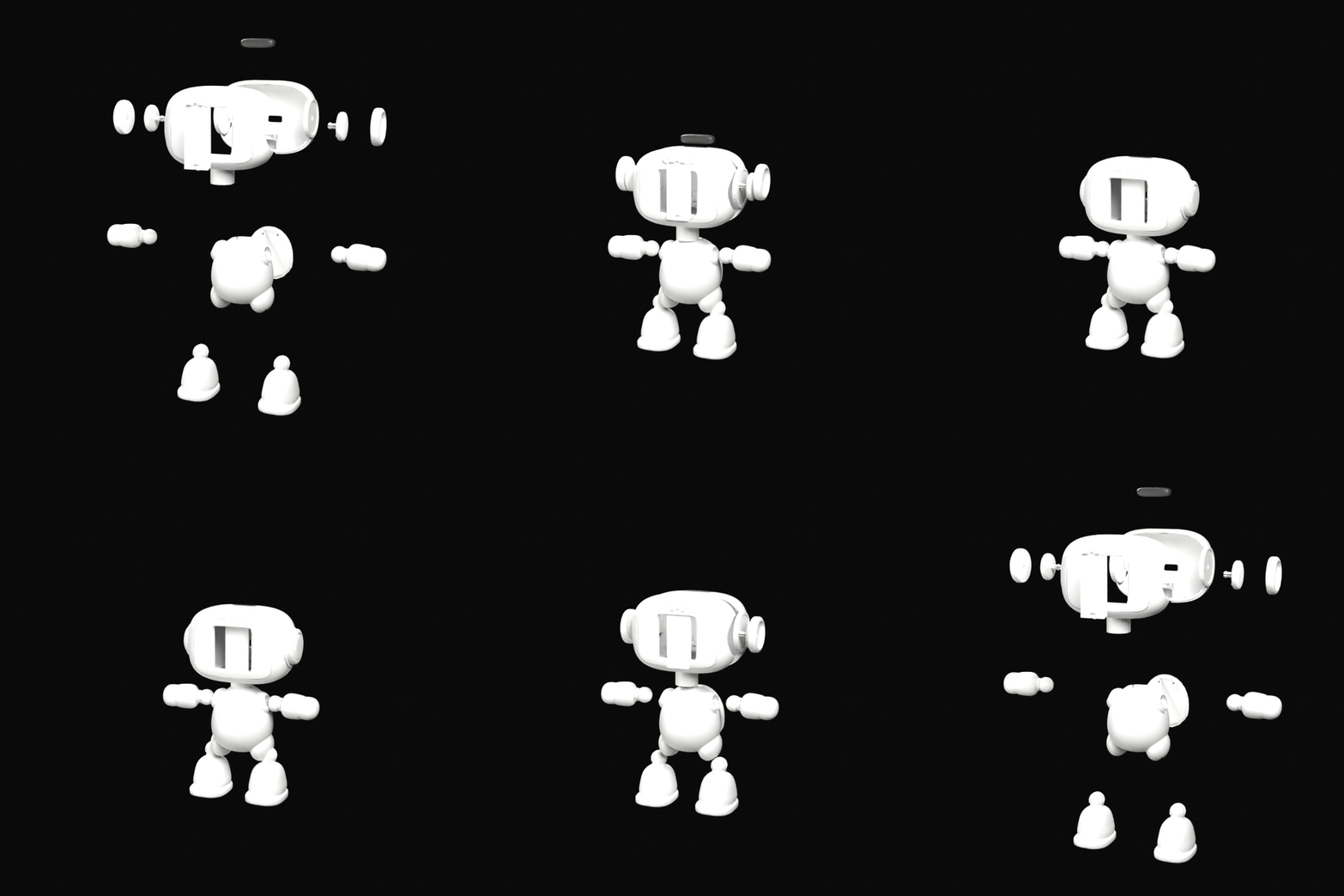
What it shows
Its face changes with your coding agent, and it also shows how much of your Claude or Codex allowance is left.
Works with Claude Code and Codex.
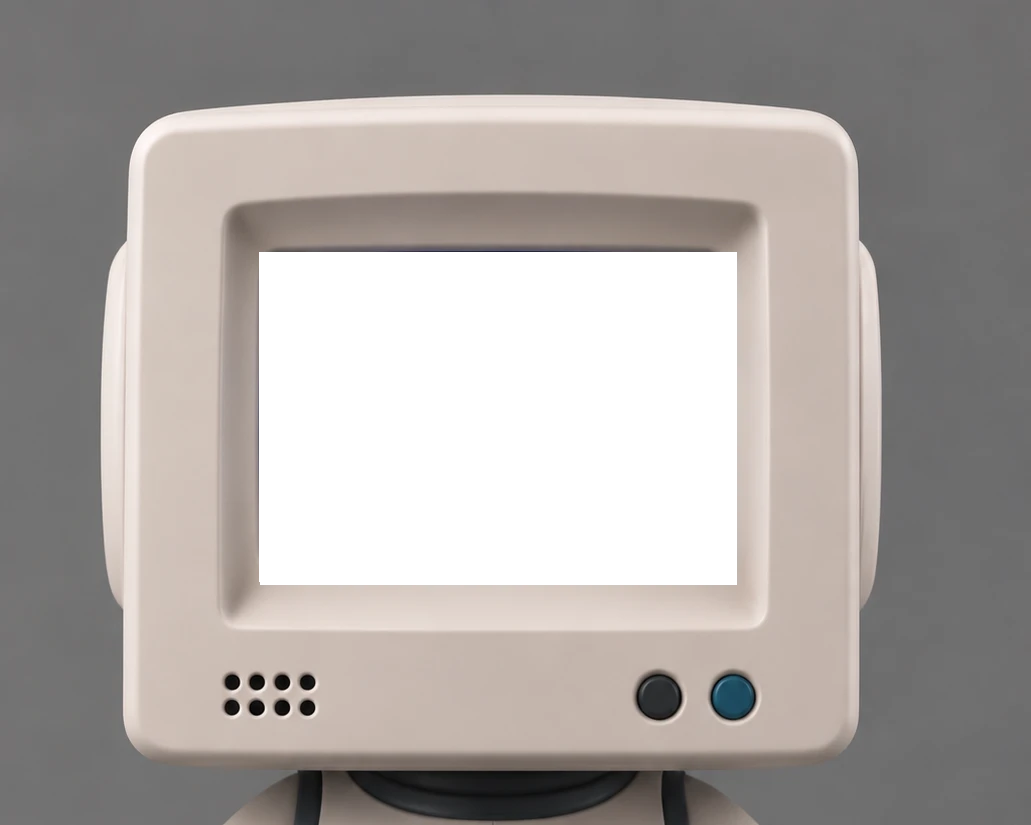
Every step is shown, so you don't have to learn electronics first.
No soldering and no breadboard.
The software comes already loaded.
Launch lineup
A little desk companion that shows what your AI coding assistant is up to.
Add a battery to your XIAO without soldering.
A tangle of loose wires becomes one plug.
How it works
Follow the picture guide to load the wires into the JIG comb connectors, then snap the character shut.
Connect the USB cable, open the companion app on your Linux computer and choose Codex or Claude.
The screen refreshes on its own. If a reading is missing or out of date, it says so.
No. It shows the allowance percentage your provider reports for your account. It doesn't count tokens, predict how many prompts you have left, or estimate your bill.
Linux x86-64. The companion app is built on Ubuntu 24.04 and needs GTK 3, WebKitGTK 4.1 and Ayatana AppIndicator. Windows and macOS versions aren't available yet.
Codex and Claude. Claude desktop readings can lag behind and don't include a reset countdown. Cursor and Grok/xAI aren't supported.
Yes. While the companion app is running it checks your account on a regular schedule. If a reading is missing or out of date, the screen says so.
No. Agent Meter runs on USB power from your computer, and it gets its readings over that same cable.
No. The character parts arrive already printed.
No. Sign in to Codex or Claude as usual. There's no Agent Meter account and no API key. The companion app reads your usage on your computer and sends it to the meter over USB.
Yes. Its face and status line show when your agent is working, finished or waiting on you.